Lesson Overview
This ninth grade lesson using evidence to identify common themes across multiple texts, involves no technology integration. This lesson begins with the teachers explaining the questions she has provided for the class on the blackboard. Looking at the board it is very cluttered and the text size is small, making it difficult for some students to read it. One students ended up going directly up to board to be able to read it properly. Next when the students were looking for evidence in the text I noticed not every student had there own book to look at, many had to share. In addition, each students desk was very cluttered with multiple thick three ring binders. Their desks were set up into small groups, which enabled students to also clutter the persons desk next to them. There was not much space for the students and their individual supplies. Lastly, the teacher provided poster boards for the students to write down their summaries as a group to share to the class.
Technology Integration

Looking at this lesson from the beginning, I would first change the way the teacher provides her directions to the class. Due to the difficulties the students faced when it came to reading it I would consider two different options, a print out for each student or the use of iPads. Print outs are an easy way for the students to have their own visual and not need to keep referencing the board. The second option of providing iPads to the students is difficult because not every school has the financial ability to provide each student with one. However, if they can iPads could go in place of the board and the teacher could have either her own blog/website or a google docs to share with everyone in the class.
Next, I noticed the one student that had to go up to the board had some reading difficulties. In order to help with this I was thinking some sort of assistive technology like an audio recording. If the students were provided with iPads they would be able to assist in an audio recording.
Going back to students having to share textbooks and their desks being cluttered, I would want to change their texts to online versions. With online books on their iPads they would allow the students more free space to work.
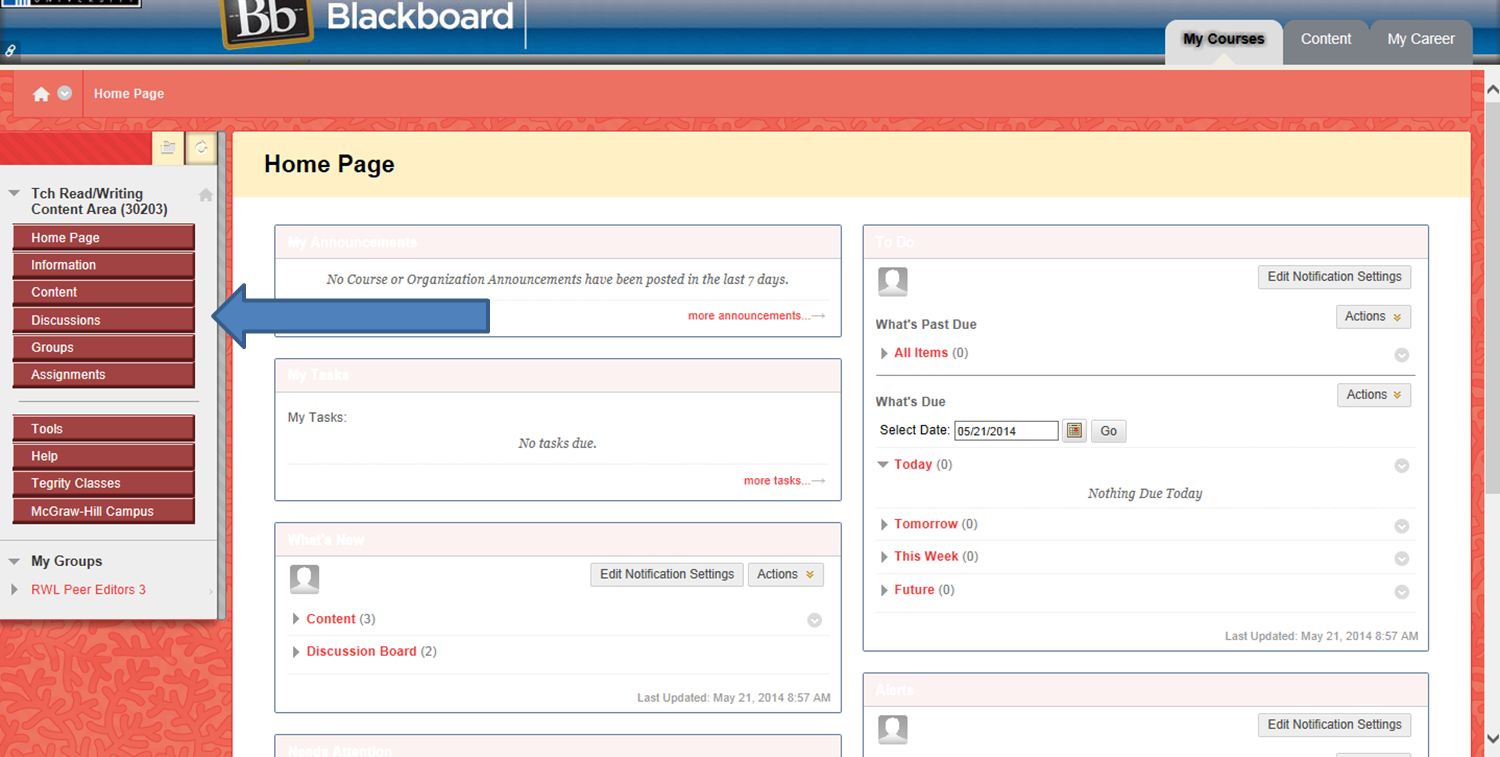
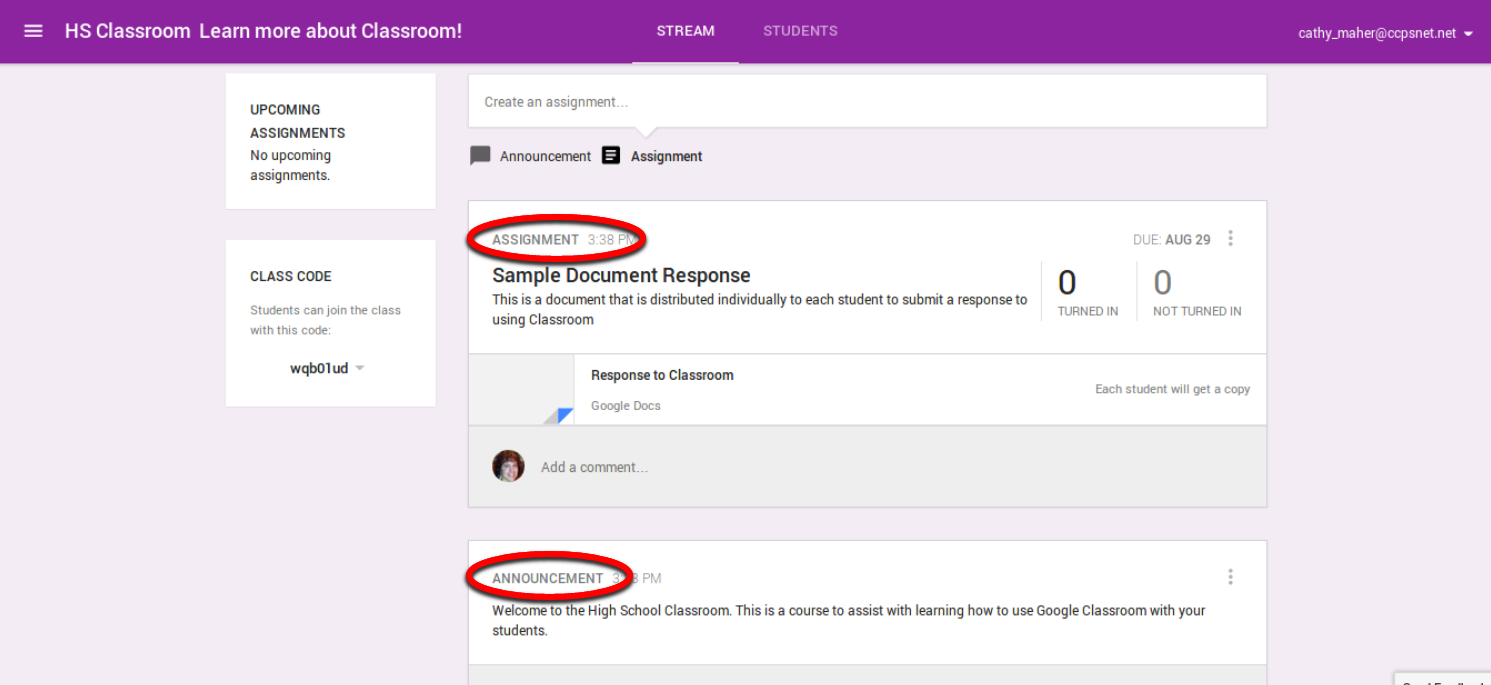
Lastly, using posters for the students ideas is okay but it can get messy easily and usually only one student partakes in the poster. This creates one member of the group doing the majority of the work. I would implement the use of either google drive or blackboard for their ideas. Each student would be required to write something and project their ideas on a shared document. Students would not have to worry about their handwriting or mistakes, they would be easily fixed on either tool.
Blackboard:
Google Classroom:
How to use Discussion Board on Black Board Tutorial:
Benefits of iPads in the classroom:
- Appealing to Students: keeps students engages and paying attention
- Saves Paper and Money: reduce cost of materials for schools
- Multimedia Learning: appeal to all types of learners
- Increase Collaboration: utilize it for group work, projects, and presentations
- Unlimited Library Resources: quick and easy access
- Improve Organization: less papers/ clutter, easy to find and accessible
Information from: https://www.securedgenetworks.com/blog/10-Big-Pros-of-iPads-as-Technology-in-the-Classroom